
Scoped tokens
A scoped token is a bearer token confined to one project and an explicit subset of permissions, with a TTL of at most an hour and the ability to list and revoke. Unlike a service account key, it is ephemeral by design — mint one for a task, hand it to an agent or script, and let it expire (or revoke it) when the task is done.
Scoped tokens vs. service accounts#
Both are non-human credentials, but they answer different needs:
- Service account — a durable identity. It holds roles, owns long-lived keys you rotate yourself, and is the right choice for CI pipelines, exporters, and back-end integrations that run indefinitely. See Service accounts.
- Scoped token — an ephemeral credential. It carries a hand-picked subset of the minter’s own permissions, dies on a short TTL, and is revocable on demand. It is the recommended credential for agents and one-off automation: an AI agent running a task, a CI step that only needs to upload one artifact, any code you’d rather not hand a full key.
A useful rule of thumb: if the credential should outlive the task, use a service account; if it should die with the task, use a scoped token.
What you can delegate#
A scoped token can carry any subset of the permissions you already hold on the project — you can never delegate a permission you lack — except a small set of non-delegatable classes:
- Wildcards —
*andresource.*are never delegatable; spell out the exact actions instead (deployment.get, notdeployment.*). role.*— granting or binding roles is privilege escalation.serviceaccount.key.*— minting a key would create a credential that outlives the token’s TTL. (Otherserviceaccount.*actions stay delegatable.)billing.*— money.pullsecret.get— returns registry credentials in the clear.
Create a scoped token#
deploys me generate-token \
  --project acme \
  --permissions deployment.get,deployment.logs \
  --ttl 300 \
  --label "claude-code:pr-42"
--permissionsis a comma-separated list — exactly what the task needs.--ttlis seconds, clamped to 60–3600 (default 900). There is no long-lived scoped token; use a service account for that.--labelis optional but recommended: a short tag for the agent session that shows up in the audit log so you can tell which agent did what.
The response contains the token once — capture it now, it is stored hashed
and never shown again. An agent can mint its own scoped token over the MCP server
(me.generateToken) the same way.
Use the token#
It is an ordinary bearer token — pass it to anything that speaks HTTP:
curl https://api.deploys.app/deployment.logs \
  -H "Authorization: Bearer $TOKEN" \
  -d '{ "project": "acme", "location": "gke.cluster-rcf2", "name": "web" }'
Every request re-checks the token’s scope, so it can only ever do the actions you delegated, on the one project you scoped it to.
List and revoke#
# see your active tokens for a project (id, label, permissions, expiry)
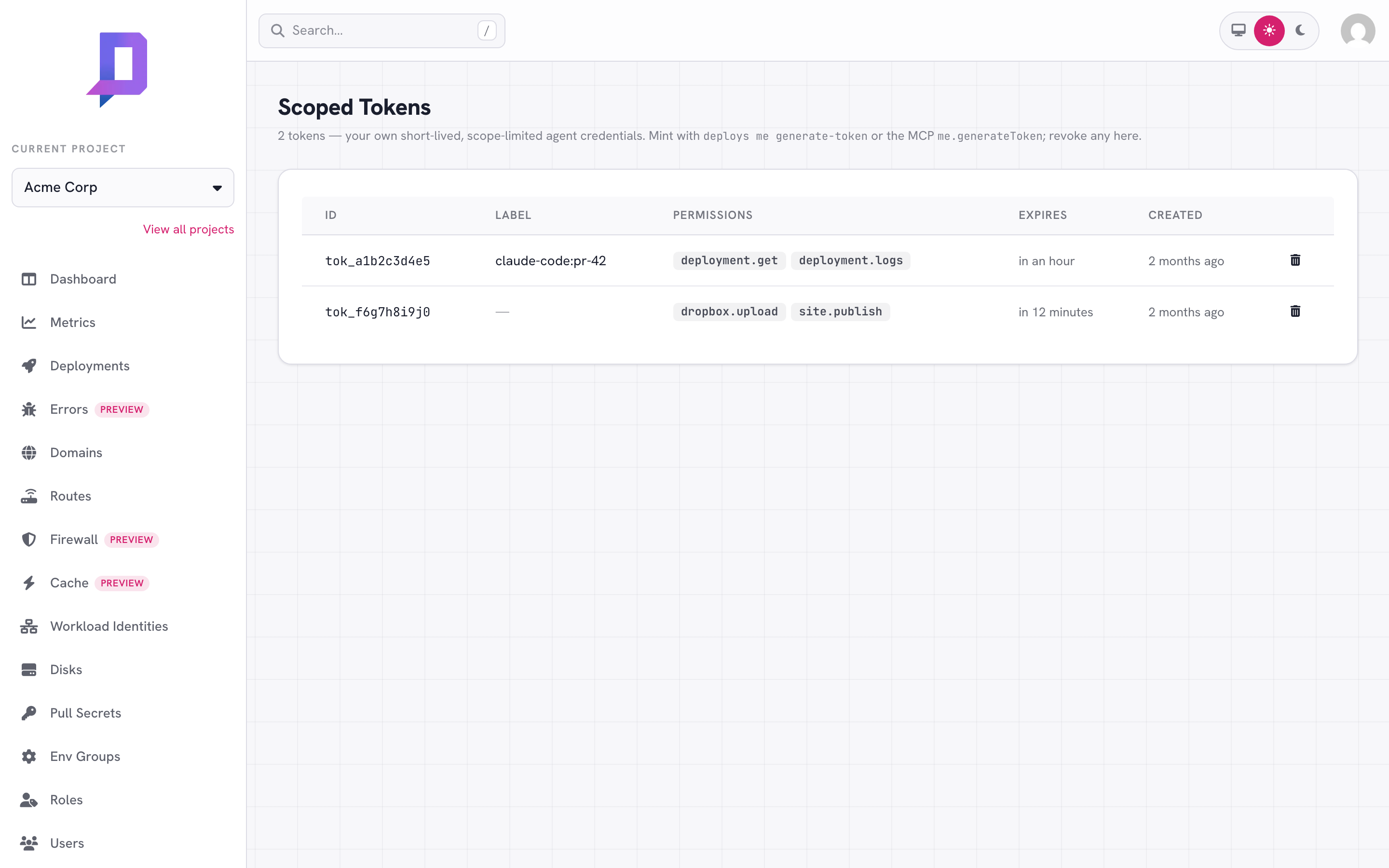
deploys me list-tokens --project acme

# revoke one early, by the id from the list
deploys me revoke-token --project acme --id tok_a1b2c3d4e5
The token value is never shown in the list — only a non-secret id you use to
revoke. Revocation takes effect on the next request (an in-flight request
finishes); for a token that lives at most an hour that window is negligible.
Tokens also disappear on their own when the TTL passes — revoke is for cleaning
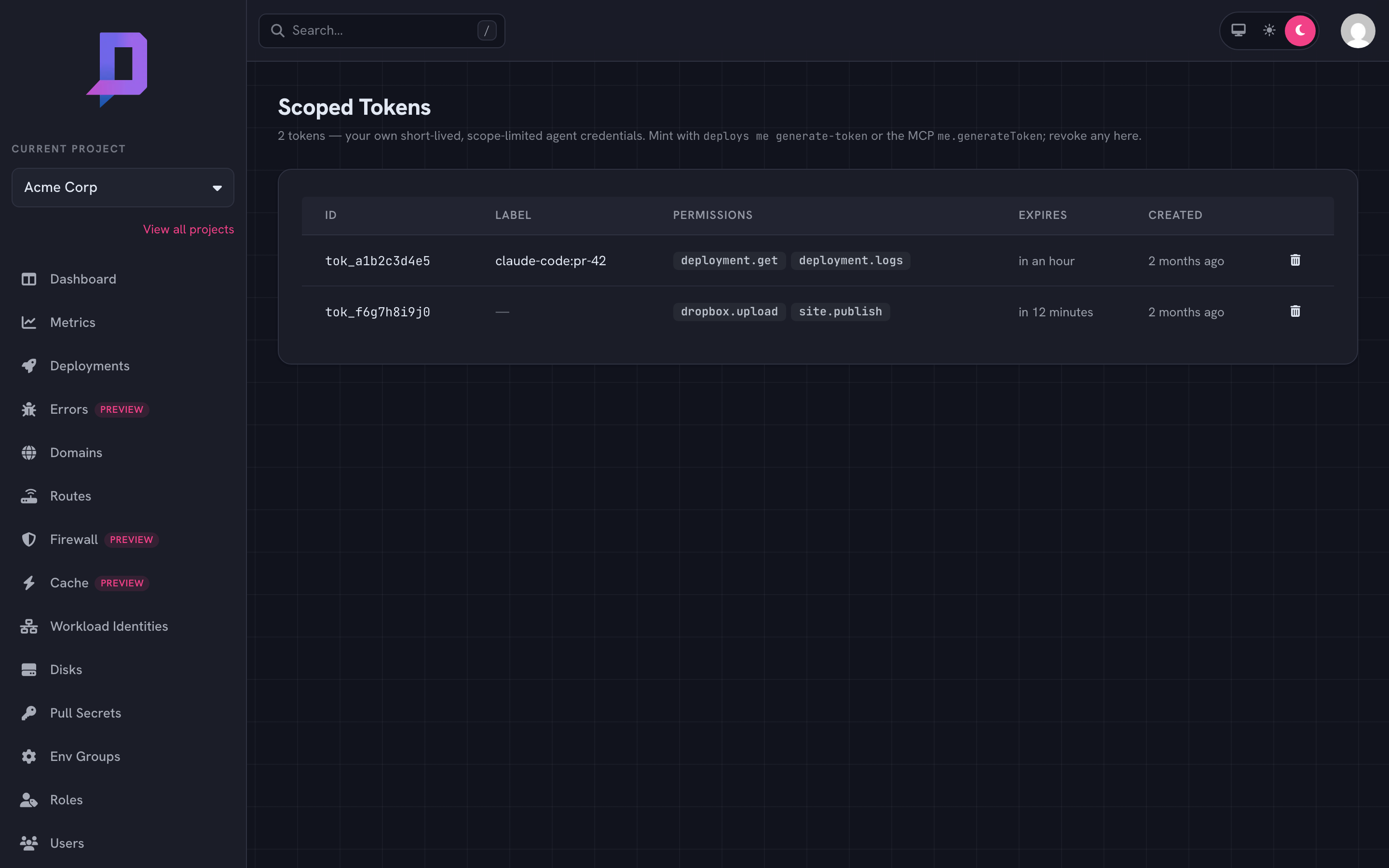
up early. The console’s Scoped Tokens page lists and revokes the same tokens.
Attribution in the audit log#
A scoped token acts as its minter — your actions through an agent token are
still attributed to you, so the human (or service account) behind an agent is
never lost. The audit log records each action with the minting principal, the
client surface (channel, e.g. mcp), and the token’s label, so “what did
this agent session do?” is answerable: alice@acme, via mcp, agent
claude-code:pr-42, deployed web. The label is attribution only — it is
caller-set free text and is never used for authorization.
Why a scoped token is safe to hand out#
- It can’t exceed you. A scoped token holds a subset of your permissions and is re-checked on every request — it is strictly weaker than the minter.
- It’s confined to one project and dies within an hour.
- It can’t manage tokens. A scoped token cannot mint, list, or revoke tokens — so an agent credential can’t bootstrap a wider or longer-lived one. Only a human or service account does that.
- It’s revocable the moment a task ends.
Common patterns#
- One token per task. Mint with exactly the permissions the task needs, label it with the workflow or session id, revoke it when done.
- Delegate down, never up. Grant the agent the narrowest scope that works —
deployment.get,deployment.logsfor a diagnoser,dropbox.upload,site.publishfor a publisher. - Reach for a service account for anything durable. If a credential needs to live across runs (a CI pipeline, an exporter), use a service account key instead — scoped tokens are deliberately short-lived.